Enjoy Wi-Fi during your flight!
Step 01
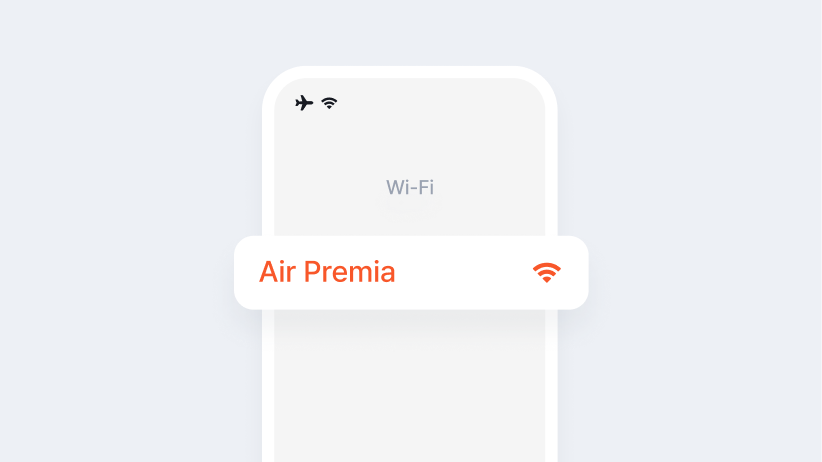
Please enable [Airplane Mode]on your personal device (smartphone, tablet, or laptop), and then choose "Air Premia" from the list of available Wi-Fi networks.
Step 02
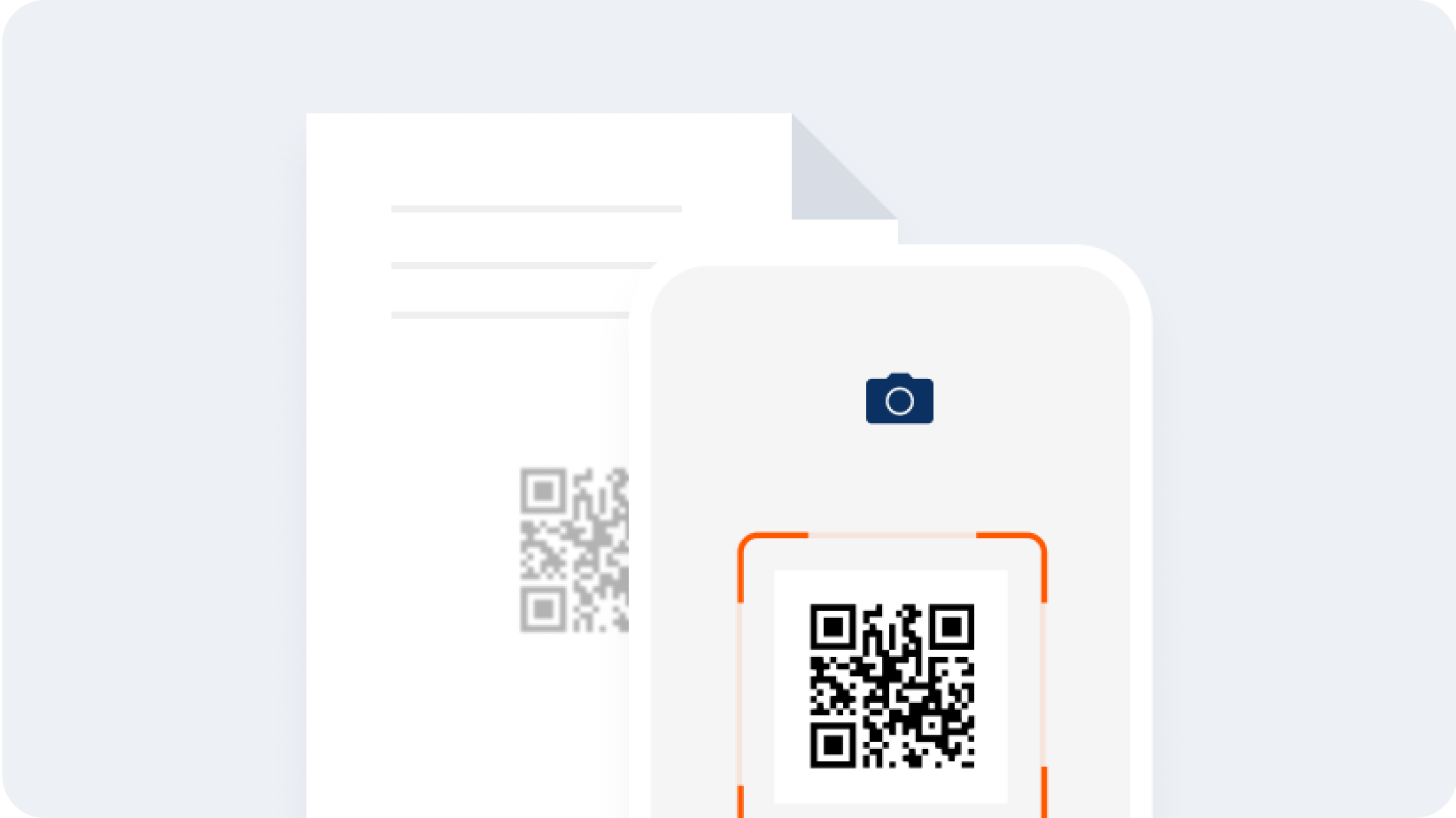
Please refer to the [In-flight Wi-Fi Guide] in the seat pocket in front of you, or scan the [QR code] from the [Internet > Wi-Fi] menu on the in-flight entertainment monitor to access the in-flight Wi-Fi pricing plan purchase page.
Step 03
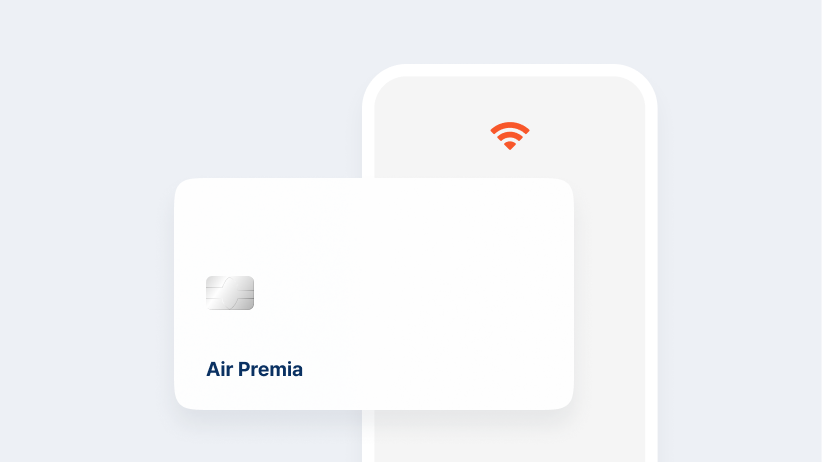
Once you [select your desired plan] and complete the payment, you can start using the in-flight Wi-Fi.
Wi-Fi optimization guide
For a smoother Wi-Fi experience, we recommend the following personal device settings.
- Please activate the power-saving mode.
- Wi-Fi is typically accessible fifteen minutes after the plane takes off, once it reaches an altitude of 10,000 feet (3,048 meters).
- Mobile games and other services that need constant real-time connections and high data usage might not be accessible.
- Please turn off automatic downloads for media and background app refreshing.